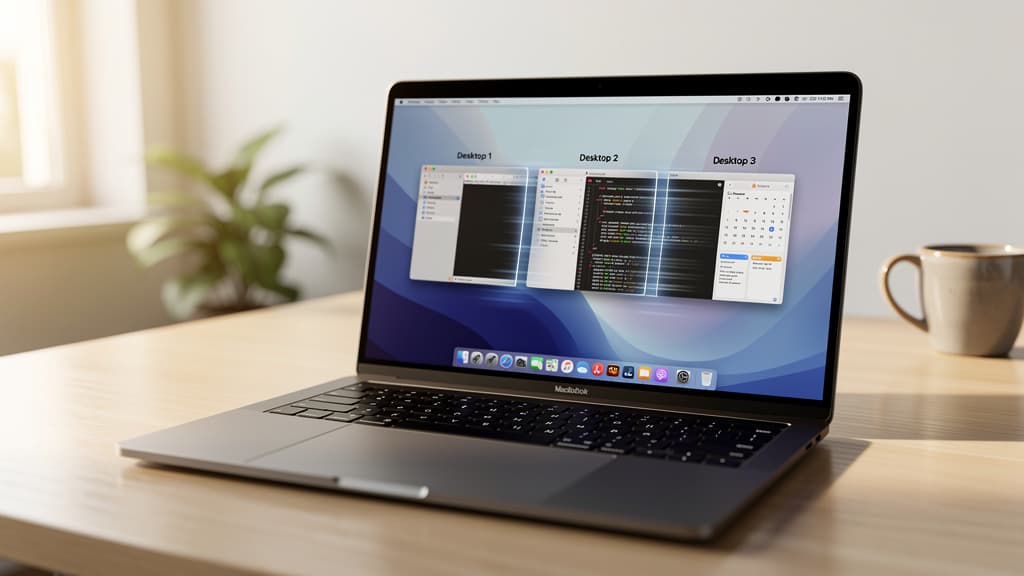
Introduction of Native Instant Space Switching
Apple has implemented a new feature in its macOS operating system known as native instant space switching. This update is designed to improve navigation speed between different virtual desktops, commonly referred to as 'spaces'.
Functionality and Benefits
The feature allows users to switch between spaces almost instantaneously without the transitional animations that were previously required. This could potentially increase productivity for users who rely heavily on multiple virtual desktops for multitasking.
Background on macOS Spaces
Spaces were first introduced in macOS as a way to organize open applications and windows across multiple virtual desktops. Users could create separate environments for different tasks, such as work and personal use, or organize projects. However, the transition between these spaces was often slowed by animations and system resource allocations.
Technical Implementation
The native instant space switching feature eradicates these delays, providing a more seamless experience. It improves upon existing third-party solutions that attempted to offer similar functionality but often required additional software installations and complex configurations.
Market Reaction
Initial reactions from users, as noted in forums and tech discussions, indicate satisfaction with the speed improvements when using spaces for complex workflows. The adoption of this native feature could influence other companies focusing on enhancing productivity features in operating systems.
Future Prospects
While this update addresses a specific user need, further innovations in user interface efficiency and operating system response times are anticipated, as companies strive to meet evolving user demands in tech environments.
The introduction of native instant space switching highlights Apple's dedication to enhancing the macOS experience, aligning with ongoing trends in technology focused on productivity and user engagement.